Context
Save it now.
Understand it gradually.
The app for words you keep meaning to look up. Save one in a second, and Context explains it properly — a few a day, at your pace.
What it is
A place to put the words you keep meaning to look up.
You hit a word in a book, a podcast, an article — and you almost look it up. Then you don’t. Context is where that word goes instead. Save it in a second and keep reading.
Every word you save becomes a card: a plain-English explanation in two or three sentences, two real examples of it in use, the story of where the word came from, and a couple of questions to check what actually stuck. A few cards come back to you each day.
No deck to build, no streak to protect, no backlog if you skip a week. Just the words you were already curious about, explained properly, a few at a time.
How it works
Three steps. Then it runs itself.
- 01
Save it.
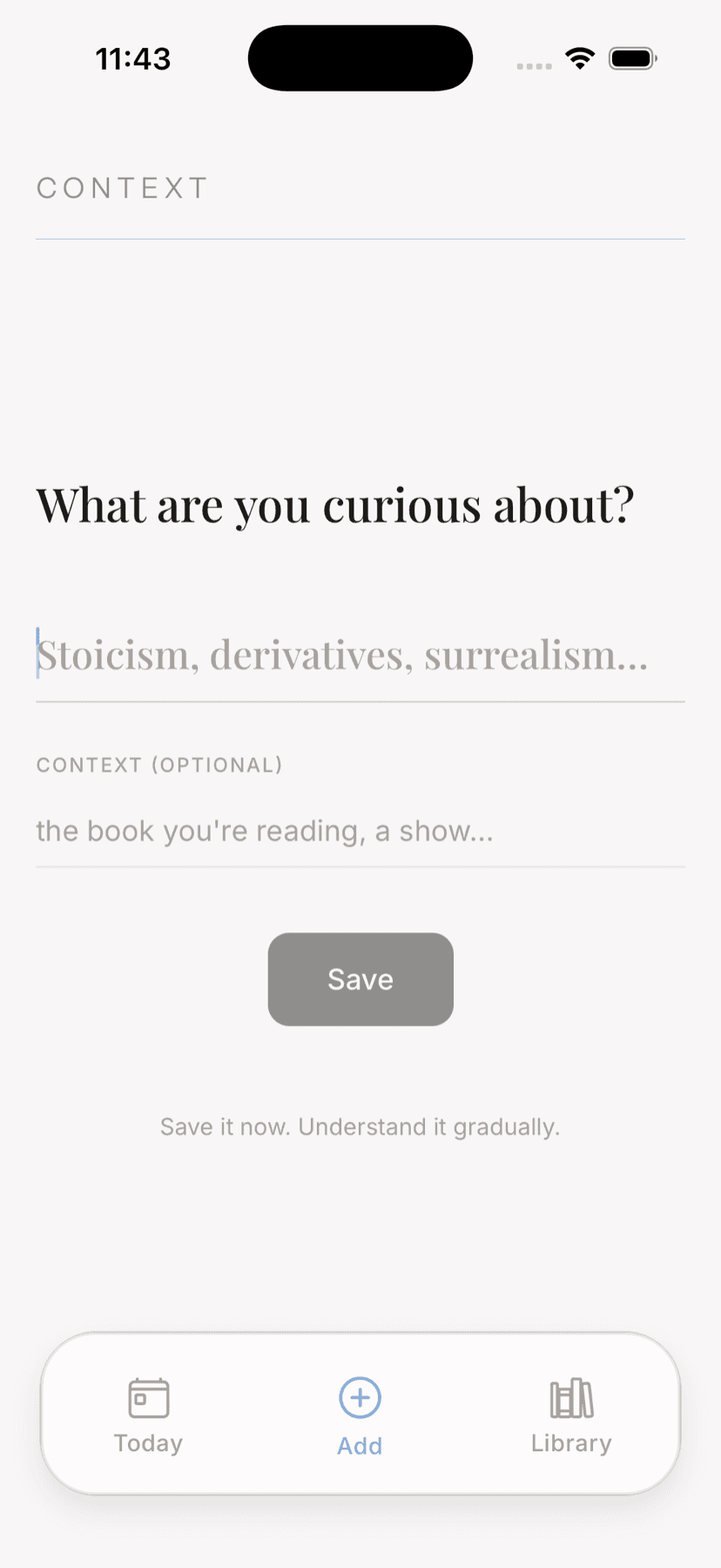
A word, a term, a person, an idea. Type it in, or send it straight from whatever you're reading through the share sheet. Optionally note where you ran into it.
- 02
It becomes a card.
Context writes the explanation for you — plain English, two real examples, where the word came from, and two questions to check what stuck.
- 03
A few come back each day.
One to three of your saved words, waiting when you open the app. Read them, listen to them, or leave them for tomorrow.
Day or night
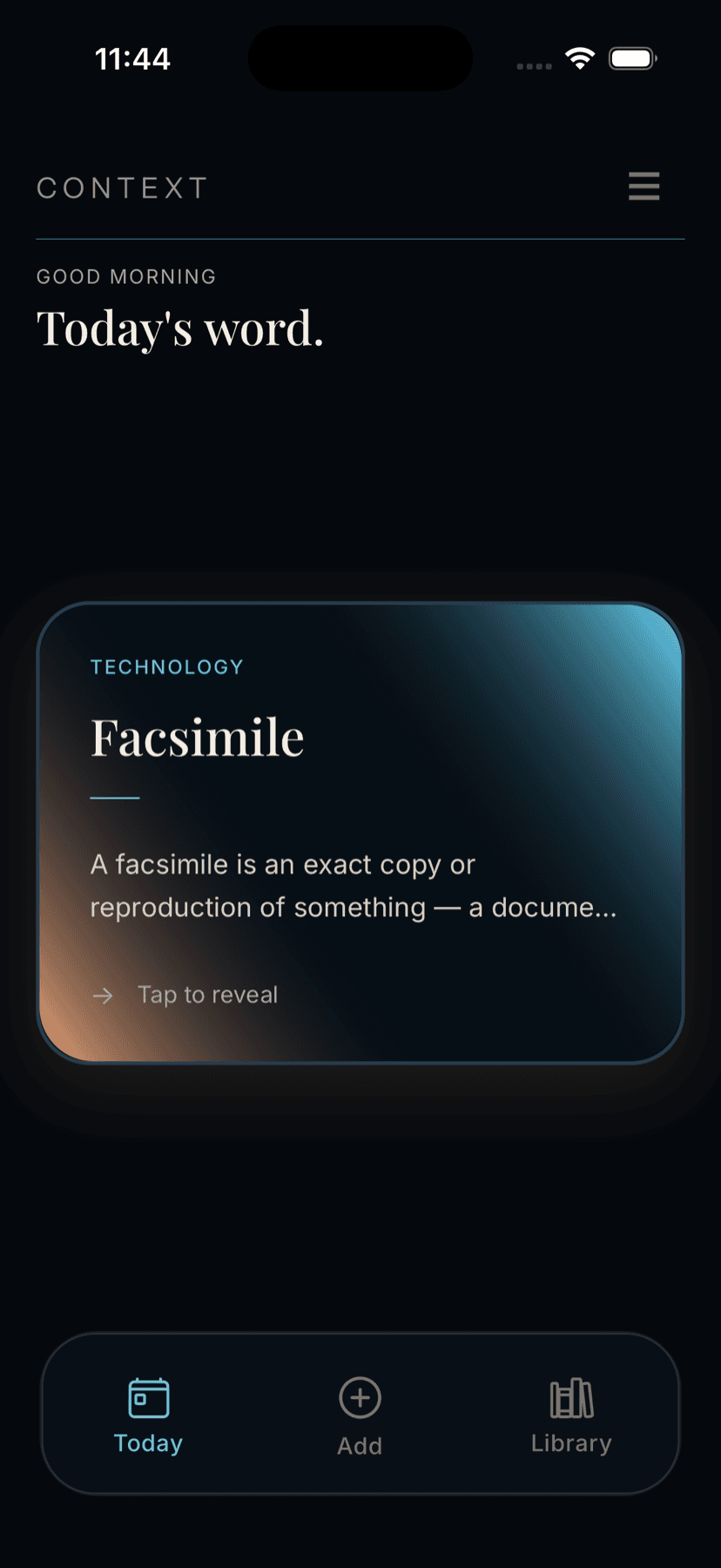
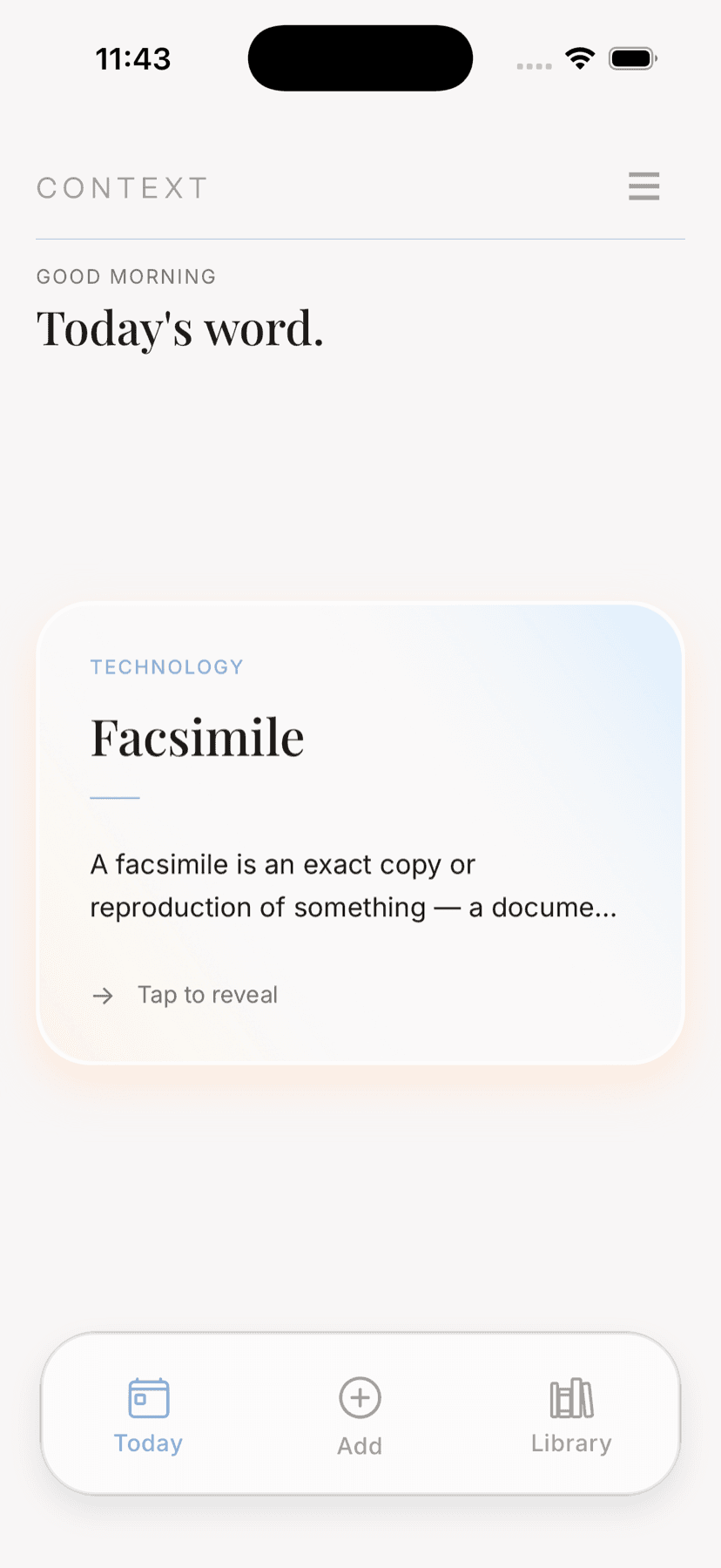
One word, given room to breathe.
No feed, no badge, no counter climbing in the corner. Just the word you’re on, on a card that’s comfortable to sit with — and a second one underneath it when you’re ready.
Philosophy
Palimpsest
A manuscript page scraped clean and written over, where traces of the older text still show through.
What’s on a card
Enough to actually understand it.
Culture
Reticence
The practice of holding back thoughts or feelings; reservedness. It describes a habit of restraint rather than a single silent moment.
A plain-English explanation
Two or three sentences, written to sound like a knowledgeable friend explaining something at a dinner table — not an encyclopedia entry.
Two real examples
The word doing actual work in a sentence, so you can recognise it in the wild rather than just define it.
Where it came from
A brief etymology. Half the time the origin is the thing that finally makes a word stick.
Two questions
One multiple choice, one true or false — a quick check on what landed, not a test you can fail.
Your own context, optionally
Note the book or conversation you met the word in, and the card ties the idea back to it.
Three screens
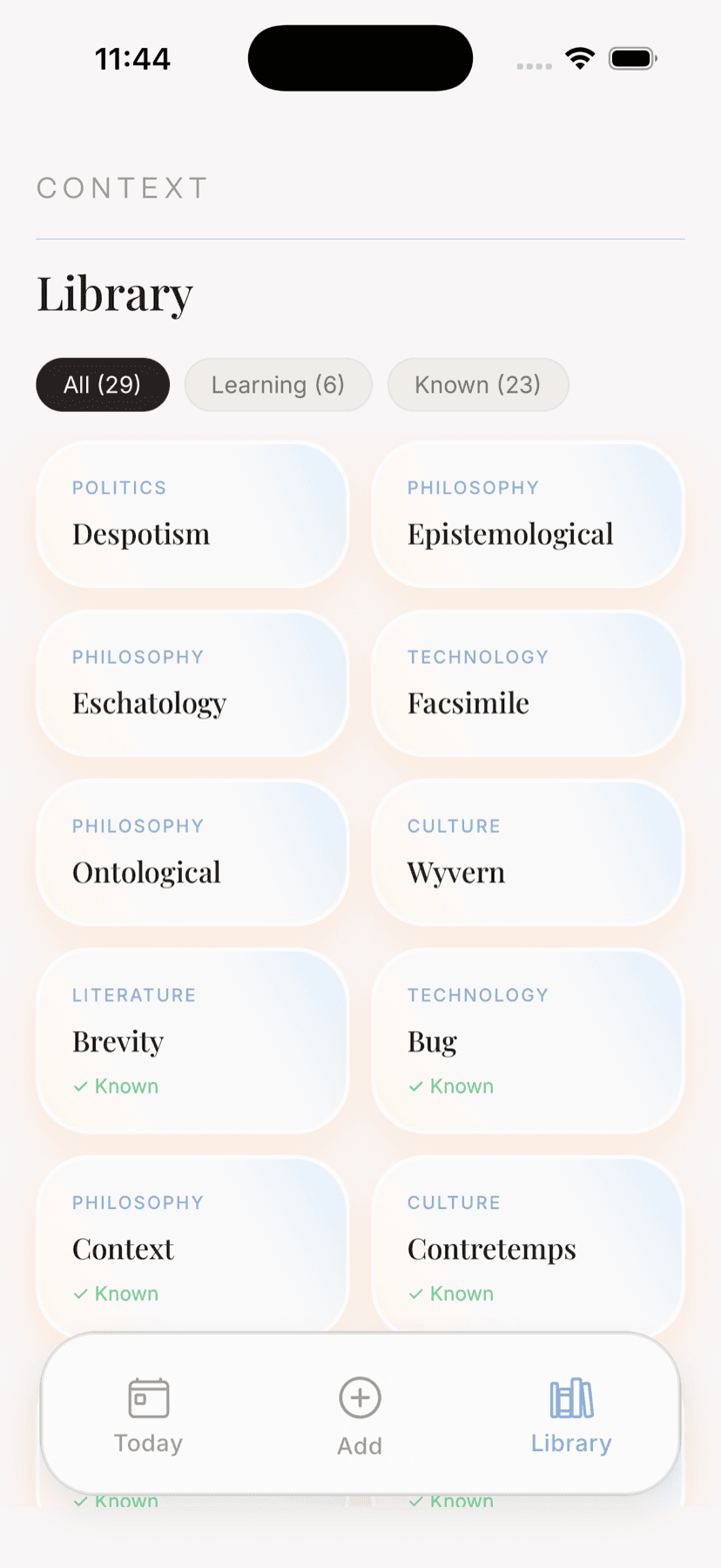
Today, Add, Library. That’s the whole app.
Details
The quiet parts that make it stick.
Read to you
Any card can be spoken aloud, in one of two voices — Astrid or Parker. Audio is cached after the first play, so it works offline.
Save from anywhere
Context adds itself to the iOS share sheet. Send a word straight from a browser, a news app or a book reader without leaving what you're reading.
On your home screen
A widget for the home and lock screen, showing the word you're on. A glance is often enough to bring it back.
Sorted as you go
Mark a word known or keep it in rotation. The library filters to All, Learning and Known, so you can see what's actually landed.
One reminder, your time
A single daily nudge at a time you pick — or none at all. There's no streak to break and nothing waiting if you skip.
Follows your phone
Sign in with Apple and your words come with you to a new device. No password to make, and you can hide your email if you'd rather.
Who it’s for
Built for the curious, not the completionist.
- Readers who meet three words a chapter and look up none of them
- Podcast and audiobook listeners, who can't stop to check a term
- Students and writers building a working vocabulary, not a test score
- Anyone who's ever nodded along to a word they couldn't define
Questions
The usual ones.
- What is Context?
- Context is an iPhone app for the words you keep meaning to look up. Save a word, term, person or idea you're curious about, and Context turns it into a card — a plain-English explanation, two real-world examples, the story of where the word came from, and a couple of questions to check what stuck. It then gives you a few of your saved words each day, so understanding builds gradually instead of all at once.
- How is it different from a dictionary or a flashcard app?
- A dictionary gives you a definition and forgets you were there. A flashcard app makes you build the deck. Context sits in between: you save the word in a second, it writes the card for you, and it brings a few back each day on its own. There's no deck to maintain, no streak to protect, and nothing to catch up on if you skip a few days.
- Where do the explanations come from?
- Each card is generated by an AI model and written to a consistent brief: a calm, plain-English explanation of two to three sentences, two real-world examples, a category, a brief etymology, and two quiz questions. It's written to sound like a knowledgeable friend explaining something across a dinner table rather than an encyclopedia entry. AI can occasionally get details wrong, so treat a card as a good starting point rather than a citation.
- How much does it cost?
- Context is free for your first 30 days, with everything unlocked. After that it's $14.99 USD per year. You'll get a reminder two days before the trial ends, and you can cancel any time from your Apple account.
- Where do I get it?
- Context is out now on the App Store, for iPhone running iOS 18 or later. The download button at the top and bottom of this page goes straight to the listing.
- Can I add words from other apps?
- Yes. Context adds an "Add to Context" option to the iOS share sheet, so you can save a word straight from whatever you're reading — a browser, a news app, a book reader — without switching apps. There's also a home screen and lock screen widget showing the word you're on.
- Where is my data stored, and is it private?
- Your saved words sync to your account so they follow you to a new device. You sign in with Apple, so Context never sees or stores a password, and you can choose to hide your email address. Your words are never shown to other users and are never sold. Nothing you save is posted publicly. See our privacy policy for the full detail.